 Martín Véliz
Tired of guessing the right LinkedIn post specs every time you create content? It’s a frustrating cycle: you spend hours crafting the perfect message, only to have it undermined by a poorly cropped image or an upload error. This isn’t just a technical hiccup; it’s a barrier between your brand and your audience, making you look unprofessional and hurting your engagement.
Getting these details right is crucial for making a strong impression, but who has time to look them up constantly? The real problem isn’t just knowing the numbers; it’s the tedious grind of checking, resizing, and tweaking every single asset. That’s valuable time you could be spending on what really matters: your message and your strategy. This is precisely the problem EchoWriteAI solves by automating these technical details, letting you focus on creating standout content without the headache.
Your Go-To Guide for Flawless LinkedIn Posts
Keeping up with LinkedIn’s technical requirements can feel like a moving target. Every content format, from a simple text update to a complex video, comes with its own rulebook for character limits, dimensions, and file sizes. One small misstep leads to pixelated images or awkwardly chopped videos, instantly damaging your credibility. You’re left feeling frustrated, knowing your hard work isn’t being seen in its best light.
You need a reliable, up-to-date cheat sheet to eliminate the guesswork. This guide is built to be just that. But remember, knowing the specs is only half the battle. The real win comes from building a workflow that handles these details for you, so you can post with confidence every time.
From Manual Checks to Automated Perfection
Imagine this: instead of manually finessing every post, your content is automatically optimized for peak performance. This is where EchoWriteAI transforms your workflow. Our platform is designed to take care of these tedious-but-critical details behind the scenes. You get to focus on crafting a powerful message, confident that EchoWriteAI will ensure the final post meets LinkedIn’s exact standards. This simple shift solves the problem of wasted time and inconsistent quality.
To get started, it’s helpful to visualize the main content types you’ll be working with.
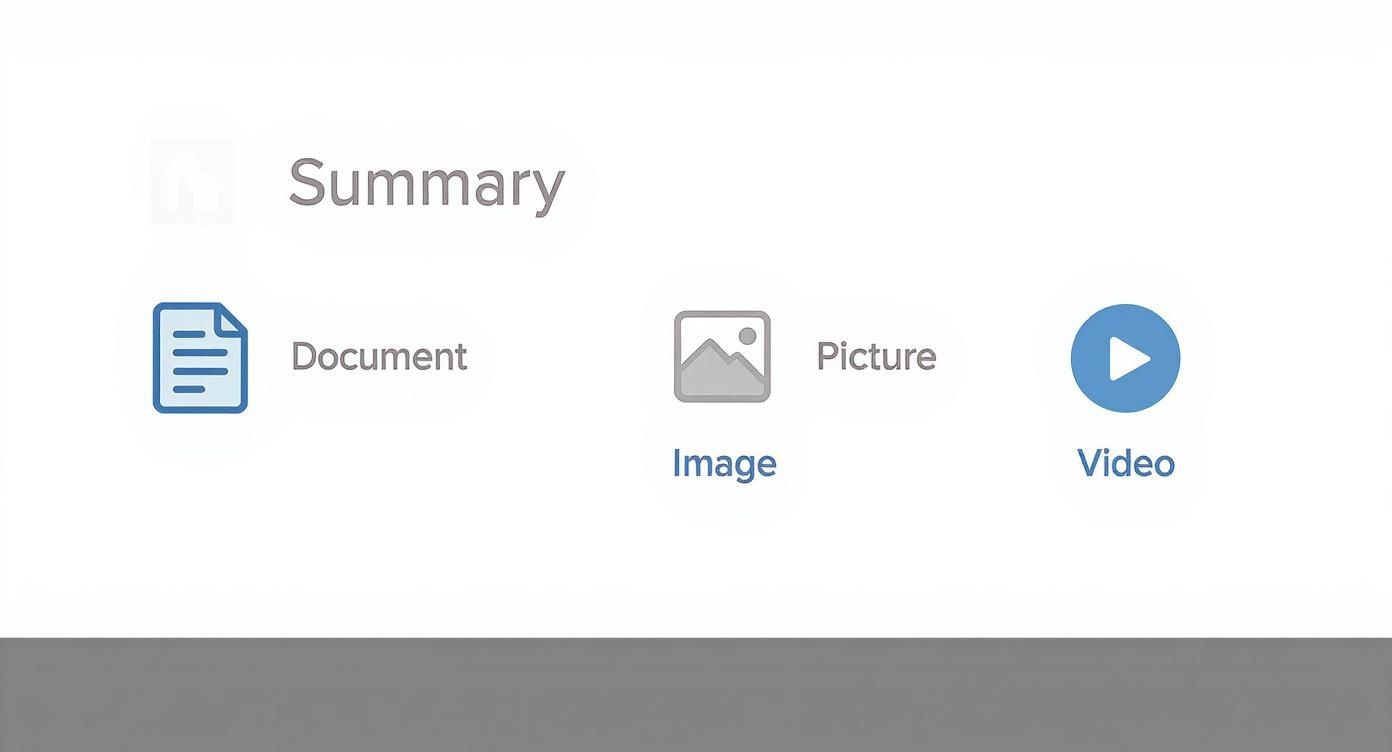
As you can see, success on LinkedIn means getting comfortable with text, images, and video, each with its own technical quirks. This guide will break down the specific LinkedIn post specs for every format. And for those looking to solve the efficiency puzzle, exploring AI-powered social media management with a tool like EchoWriteAI can be a game-changer, transforming content creation from a chore into a seamless, strategic process.
LinkedIn Post Specs At a Glance
For a quick reference, here’s a high-level look at the most important specs you need to know. Keep this table handy for those moments when you just need the numbers fast.
| Post Type | Character Limit | Recommended Image/Video Size | Max File Size | Supported File Types |
|---|---|---|---|---|
| Text Only | 3,000 characters | N/A | N/A | N/A |
| Single Image | 3,000 characters | 1200 x 627 pixels | 5 MB | JPG, PNG, GIF |
| Video | 3,000 characters | 1920 x 1080 pixels (16:9) | 5 GB | MP4, AVI, MOV |
| Document (Carousel) | 3,000 characters | 1080 x 1080 pixels (1:1) | 100 MB | PDF, PPT, DOC |
| Link with Preview | 3,000 characters | 1200 x 627 pixels | 5 MB | N/A (uses OG image) |
This table covers the basics, but the following sections will dive deep into each post type, giving you the pro tips you need to master them all and showing you how EchoWriteAI solves the common challenges associated with each one.
Getting Text and Link Posts Right
When it comes to text and link posts, you’re constantly battling character limits and fighting for your reader’s attention. It’s frustrating to write a detailed, insightful post only to realize it’s too long for a Company Page or that your formatting makes it unreadable.
One of the most common problems is the character limit itself. A personal profile gives you 3,000 characters, but a Company Page shrinks that to just 1,300. This discrepancy can force you to butcher your message, cutting out valuable context.
The real challenge, however, isn’t just staying under the limit; it’s crafting copy that people actually want to read. Walls of text are a recipe for being ignored. If your post isn’t well-structured with white space and clear formatting, you’ll lose your audience before they even get to your main point.
Honestly, writing, editing, and meticulously formatting every post is a huge time-sink. This is exactly the problem EchoWriteAI solves. It helps you quickly generate compelling copy that’s already structured for readability and fits perfectly within LinkedIn’s character limits, taking all the manual guesswork and frustration off your plate.
Nailing the Link Preview
Sharing a link is more than just dropping a URL. LinkedIn’s automatic link preview is your post’s visual hook, but it often pulls the wrong image or description, making your post look sloppy.
To make sure your link preview looks sharp, the image needs to be 1200 x 627 pixels. This specific 1.91:1 aspect ratio ensures it displays perfectly. A blurry or poorly sized image is a common problem that kills your credibility and your click-through rate.
The best link posts combine a punchy, intriguing introduction with a crystal-clear preview image. You’re giving your audience a compelling reason to stop scrolling and check out your content.
Trying to get the text perfect while also optimizing the link preview is a grind. Instead of wrestling with these details, you can let EchoWriteAI streamline the process. Our AI solves this problem by helping you craft optimized preview text and suggesting relevant hashtags, ensuring your link posts are always ready to grab attention and drive traffic. For a deeper dive into these character counts, check out our full guide on the character limit for LinkedIn posts.
Nail Your Visuals: A Guide to LinkedIn Image Posts
Let’s be honest, visuals are what stop the scroll. But here’s where so many people face a frustrating problem: they upload an image that looks great on their computer, only to have LinkedIn crop it into an awkward, unprofessional mess.
Nothing kills your post’s potential faster than a blurry photo or a graphic with the main point chopped off. It’s a common mistake that makes your brand look careless. Thankfully, it’s an easy problem to solve once you know the rules of the game.
Single Image Specs: The Big Three
To get your images looking crisp and professional every single time, you need to work with the three main aspect ratios LinkedIn prefers. Each one has its own strategic advantage.
- Square (1:1): Your go-to format. I always recommend 1080 x 1080 pixels. It’s a perfect square that looks fantastic on both desktop and mobile, solving the problem of inconsistent cropping.
- Vertical (4:5): Want to dominate the mobile screen? Use 1080 x 1350 pixels. This taller format takes up more vertical space on a phone, making your post much harder to scroll past.
- Landscape (1.91:1): Best for wide shots. The ideal size here is 1200 x 627 pixels. This is the same spec as link previews, which keeps things consistent.
The data is clear: image posts get 98% more comments than those with just text. If you’re not using visuals, you’re leaving engagement on the table. For a deeper dive, check out these insightful LinkedIn statistics.
File Types and Multi-Image Posts
Beyond the dimensions, you’ve got to mind the technical details. LinkedIn only plays nice with JPG, PNG, or GIF files. Crucially, keep your file size under 5MB to avoid upload errors.
Thinking of posting a few images at once? LinkedIn will automatically create a collage. Just remember, the very first image you select gets the spotlight. Make it your strongest one to draw people in.
Manually resizing every single image for every post is a huge time suck. You can spend ages fiddling with design software, or you can just let a smarter tool handle the grunt work for you.
This is exactly why we built EchoWriteAI. Our content creation tools solve this problem by automatically resizing and formatting your visuals to the perfect LinkedIn specs. You can create flawless, professional-looking image posts every single time without ever leaving our platform. It lets you get back to what actually matters: crafting a powerful message, not wrestling with pixels.
Dominating the Feed with Video Content
In a sea of text updates, video is the ultimate scroll-stopper on LinkedIn. But the user problem is clear: nothing kills your credibility faster than a video that’s stretched, pixelated, or unwatchable on a phone.
We’ve all been there. You pour hours into creating the perfect clip, only to have it butchered by LinkedIn’s uploader. It’s a common headache, but mastering the technical specs is the only way to make sure your hard work pays off and your message is actually seen.
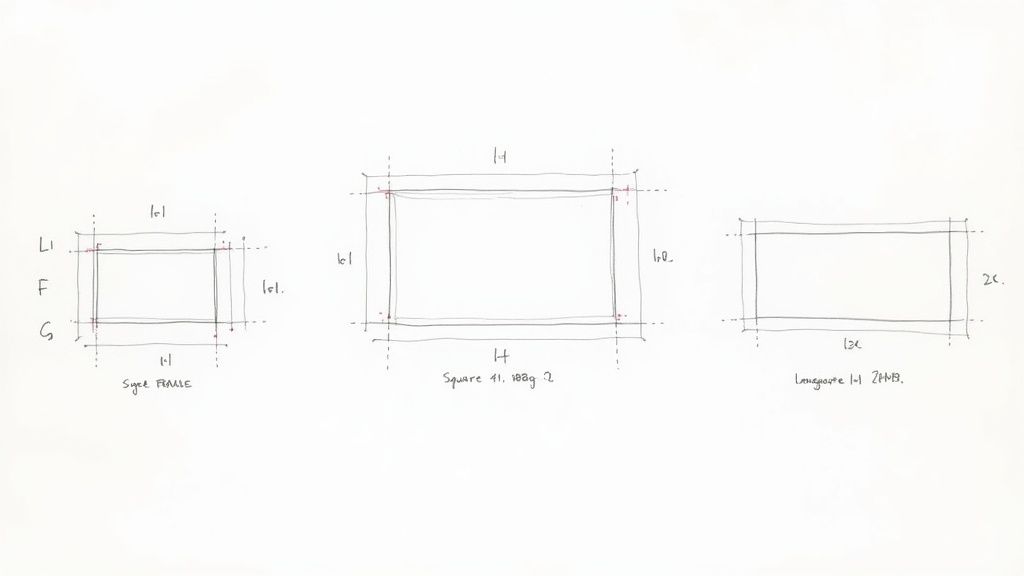
This is where a tool like EchoWriteAI can be a game-changer. It solves the problem of technical overwhelm. Instead of wrestling with video settings, you can stay focused on the creative side. It helps you script compelling videos and offers clear guidance on formatting, turning a technical chore into a much smoother process.
Core Video Specifications You Must Know
To make sure your video looks professional and plays flawlessly, you need to work within LinkedIn’s rules. Getting them right from the start solves the problem of annoying upload errors and guarantees your audience has a great viewing experience.
Here are the essential technical details for any native LinkedIn video:
- File Size: Your video needs to be between 75 KB and 5 GB.
- Video Duration: It can be as short as 3 seconds or as long as 10 minutes. For engagement, the sweet spot is usually between 30 and 90 seconds.
- File Format: MP4 is your safest and most reliable bet.
- Frame Rate: 24-30 fps looks perfectly smooth.
- Resolution: Aim for at least 1080p (1920x1080) to keep things looking sharp.
Choosing the Right Aspect Ratio
The shape of your video—its aspect ratio—has a huge impact on how it appears in the feed. This is one of the most important specs to nail.
You have a few solid options to choose from:
- Landscape (16:9): Classic widescreen (1920x1080 pixels). Great for presentations but can look small on mobile.
- Square (1:1): Super versatile (1080x1080 pixels) and looks great everywhere.
- Vertical (4:5): My favorite for mobile (1080x1350 pixels). It takes up more screen space, making your post harder to ignore.
- Full Vertical (9:16): Full-screen mobile (1080x1920 pixels). Immersive on phones but often gets awkwardly cropped on desktop.
The proof is in the numbers—video receives 5 times more engagement than text-only posts on the platform. This makes it one of the most effective formats for professionals. You can explore more data on LinkedIn video performance.
Unlocking Engagement with Winning Carousels
Carousel posts are a powerhouse on LinkedIn, but they present a common problem: users often upload PDFs with tiny, unreadable text or bizarre dimensions, which kills engagement instantly.
The secret to a great carousel is to treat each slide as a mini-infographic in a larger story. This means you have to nail the balance between text and visuals and—most critically—get the technical LinkedIn post specs right. If your document is clunky or hard to read, people will just scroll right past, and all your hard work vanishes.
The Must-Know Carousel Specs
To make sure your carousel looks sharp on every device, you need a solid technical foundation. Sticking to these specs solves the problem of frustrating upload errors and guarantees your content is crisp and clear.
- File Types: PDF is your safest bet for keeping your formatting exactly as you designed it. LinkedIn also accepts PPT, PPTX, DOC, and DOCX.
- File Size: Keep that file under 100 MB.
- Page Limit: You get up to 300 pages.
- Character Count: The text in your post has the standard 3,000-character limit.
The numbers don’t lie. Carousel posts consistently crush other formats, pulling in roughly 278% more engagement than video and a staggering 596% more engagement than text-only updates. For a deeper dive, check out this excellent report on LinkedIn content performance.
Designing for the Swipe
The design of your slides is what separates a dud from a viral hit. The dimensions you choose have a huge impact on how your carousel appears in the feed.
- Recommended Dimensions (Square): Go with 1080 x 1080 pixels (1:1 aspect ratio). It’s versatile and looks fantastic on both desktop and mobile.
- Recommended Dimensions (Vertical): Use 1080 x 1350 pixels (4:5 aspect ratio). This is my favorite because it grabs more real estate on mobile screens.
Let’s be real: building a compelling carousel takes a lot of time and effort. This is where a tool like EchoWriteAI solves a major problem. It helps you structure your ideas and generate engaging text for each slide, quickly turning a rough concept into a polished, high-impact carousel. You can even easily repurpose content for social media, transforming a single blog post into a week’s worth of powerful carousel slides.
Personal Profiles vs. Company Pages Explained
Nailing the right LinkedIn post specs is half the battle, but where you post is just as critical. Many businesses face a strategic problem: they pour resources into their company page, only to see minimal organic reach. This happens because LinkedIn’s algorithm is fundamentally wired to favor people connecting with people, creating a huge hurdle for brands.
Do you focus on a polished company page, or empower your team to post from their personal accounts? Your company page is your official hub, but the real engagement—the genuine conversations—happens on personal profiles.
The Algorithmic Advantage of Personal Profiles
The data is clear: personal profiles have a massive algorithmic edge. Posts from personal profiles rack up 2.75 times more impressions and 5 times more engagement than the exact same content shared from a company page. A post from your CEO will travel much farther than if it came from the official corporate account. You can dig into the numbers in this in-depth analysis of LinkedIn statistics.
This reality forces a choice, but the smartest play isn’t “either/or.” It’s a hybrid approach.
The most successful LinkedIn strategies use the company page for official communication while empowering employees to share authentic insights from their personal profiles. This amplifies reach and builds trust.
A Hybrid Strategy Solved with EchoWriteAI
Of course, a hybrid strategy introduces a new problem: how do you maintain a consistent brand voice when multiple people are posting? How do you scale content creation without overwhelming your team?
This is exactly what EchoWriteAI was built to solve. Our platform helps your team create consistent, high-quality content that sounds like you—whether it’s for an official company announcement or a personal take from a subject matter expert.
By learning your brand’s unique voice, EchoWriteAI turns your entire team into powerful brand advocates. It solves the challenge of scaling authentic, on-brand content across both your company page and the personal profiles that drive real engagement.
Common LinkedIn Post Mistakes To Avoid
You’ve nailed the LinkedIn post specs, crafted the perfect post, and hit publish… only to get zero engagement. This is a frustratingly common problem, but the fix is often simpler than you’d think. Avoiding a few classic blunders can make a world of difference.
One of the most frequent mistakes is uploading a low-resolution image, which instantly screams unprofessional. Ignoring how your post looks on a phone is another major misstep, especially when that’s where most of your audience will see it.
Overstuffing Hashtags and Burying Links
“Hashtag stuffing” is another classic mistake. Jamming more than five hashtags into your post makes it look spammy to both the algorithm and your audience, solving no problems and creating new ones. A few highly targeted hashtags will always outperform a dozen generic ones.
Equally problematic is burying your link in the first comment. LinkedIn’s algorithm doesn’t reward this trick anymore. It just creates a clunky user experience and hurts your post’s initial momentum. The best practice is simple: put the link right in the post.
The real problem isn’t a lack of effort—it’s not having a reliable system to catch these small but costly errors. This leads to wasted time on content that never hits its full potential.
This is exactly where EchoWriteAI solves the problem. Our platform acts as your built-in safety net, flagging potential issues before you publish. These automated checks help you sidestep common traps like using too many hashtags or forgetting proper formatting. It removes the guesswork so you can focus on your message.
Common Pitfalls and Pro Solutions
| Common Mistake | Why It Hurts Performance | The EchoWriteAI Solution |
|---|---|---|
| Burying the Link | Creates a poor user experience and is no longer favored by the algorithm, limiting reach. | Solves this by recommending you place links directly in the post with a strong call-to-action for better clicks. |
| Hashtag Stuffing | Looks spammy and confuses the algorithm, hurting discoverability. | Solves this by flagging posts with more than 5 hashtags and suggesting relevant alternatives for targeted reach. |
| No Clear CTA | Leaves the reader confused, resulting in missed opportunities for engagement. | Solves this by providing prompts to help you craft clear, compelling calls-to-action that drive action. |
| Ignoring Mobile View | Leads to poorly cropped images and a frustrating experience for most users. | Solves this with previews that ensure your content is optimized for mobile, guaranteeing it looks great on any device. |
By catching these issues upfront, you’re not just avoiding mistakes—you’re strategically setting your content up for success.
For a deeper dive into writing content that truly connects, check out our guide on how to write engaging LinkedIn posts.
Answering Your Top LinkedIn Spec Questions
Keeping up with LinkedIn’s specs can feel like a full-time job. The real problem is that getting bogged down in pixel counts kills your creative flow. The goal is to spend your energy on the content, not the container. A smart tool to handle the specs for you is the key to solving this.
What’s the Best Image Size for a LinkedIn Post?
For maximum compatibility, a 1080x1080 pixel square image (1:1 ratio) is your safest bet. It solves the problem of unexpected cropping by looking clean on both desktop and mobile.
If you want to grab attention on mobile, a vertical image of 1080x1350 pixels (4:5 ratio) is even better. The problem is that manually resizing every image is a huge time-sink. EchoWriteAI solves this by automatically formatting them for you.
How Long Should My LinkedIn Video Be?
LinkedIn gives you a 10-minute limit, but the user problem is holding audience attention. For peak engagement, aim for a video between 30 and 90 seconds.
Your first three seconds are everything. If you struggle with scripting concise content, EchoWriteAI can help. Our platform solves this problem by helping you distill your message into a punchy, effective script that fits that ideal time frame.
Should I Still Put My Link in the First Comment?
No. This is an outdated “growth hack.” The real problem this tactic creates is a poor user experience, which LinkedIn’s algorithm now penalizes. Forcing people to hunt for a link hurts your reach.
The solution is simple: put your link directly in the body of the post. The challenge is writing an intro so compelling that people want to click it. EchoWriteAI helps solve this by crafting lead-ins that build curiosity and drive clicks naturally.
How Many Hashtags Should I Actually Use?
Less is more. LinkedIn recommends 3 to 5 highly relevant hashtags. The problem with using more is that it looks spammy and confuses the algorithm.
Finding the perfect balance can be tough. EchoWriteAI solves this by including a feature that suggests optimized hashtags based on your content, taking the guesswork out of discovery.
Stop wrestling with specs and start focusing on your message. EchoWriteAI is designed to solve the problem of tedious technical optimizations, turning hours of frustrating tweaks into just a few minutes of creative work. Sign up for EchoWriteAI today and post with the confidence that every detail is perfect.